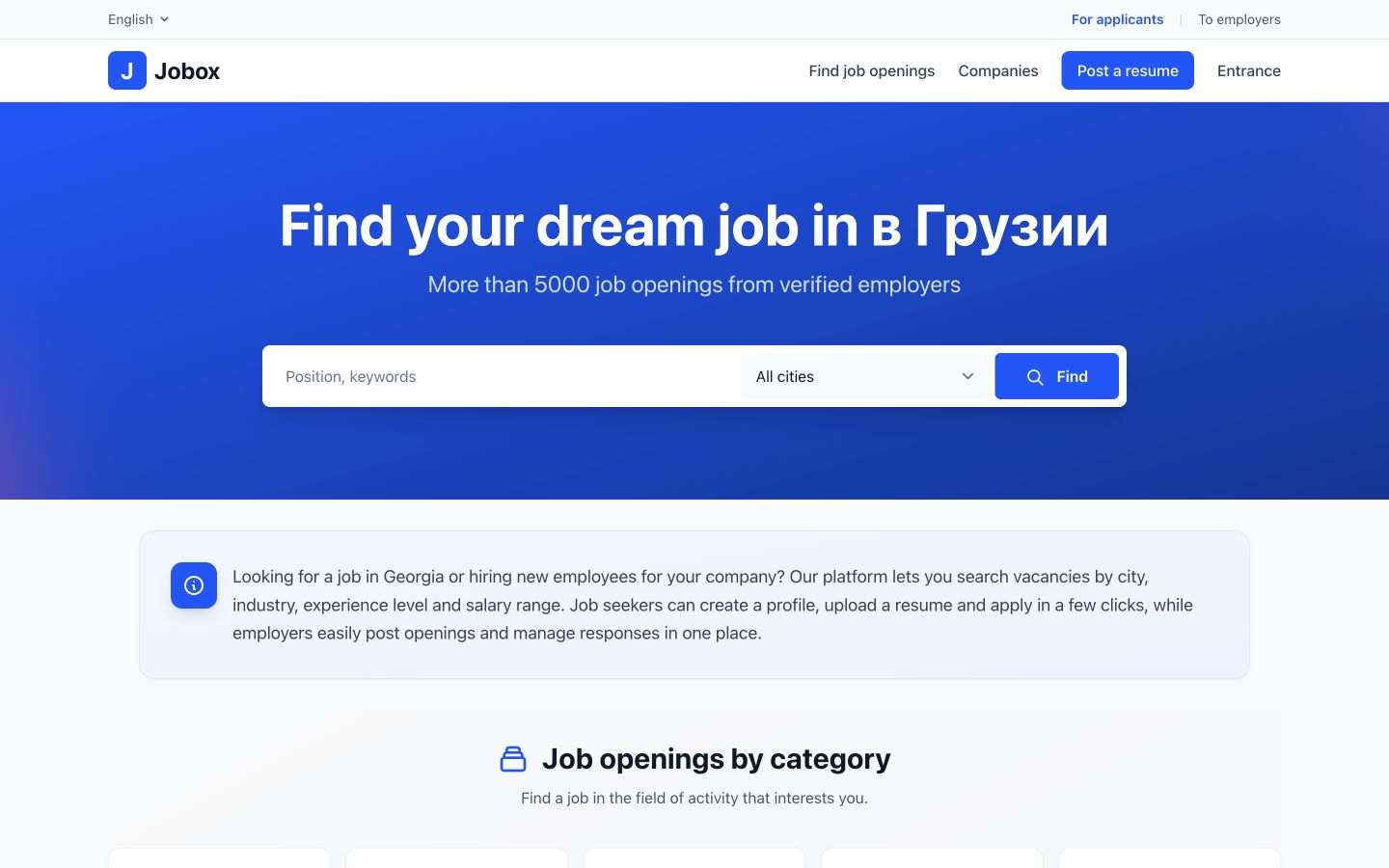
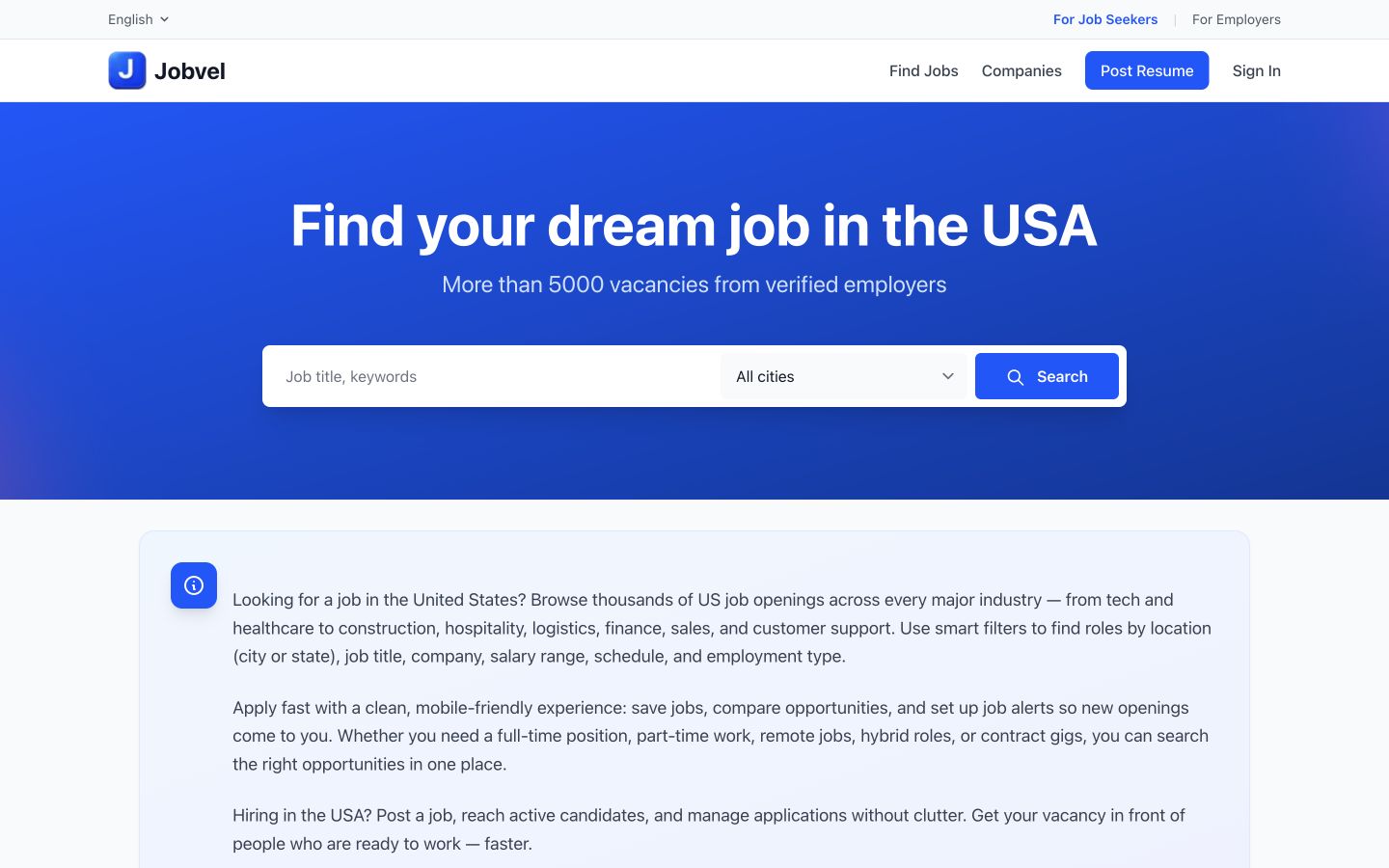
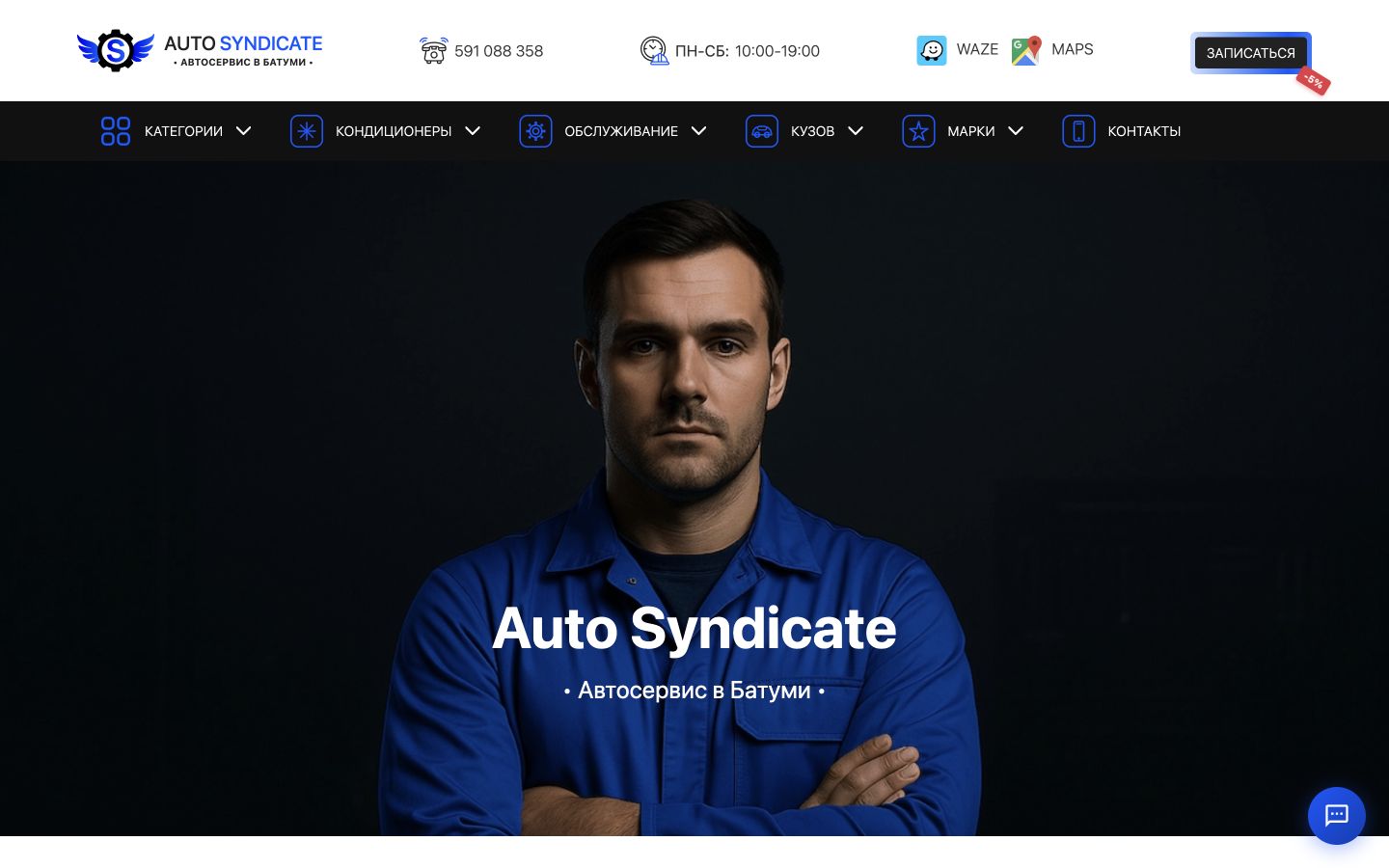
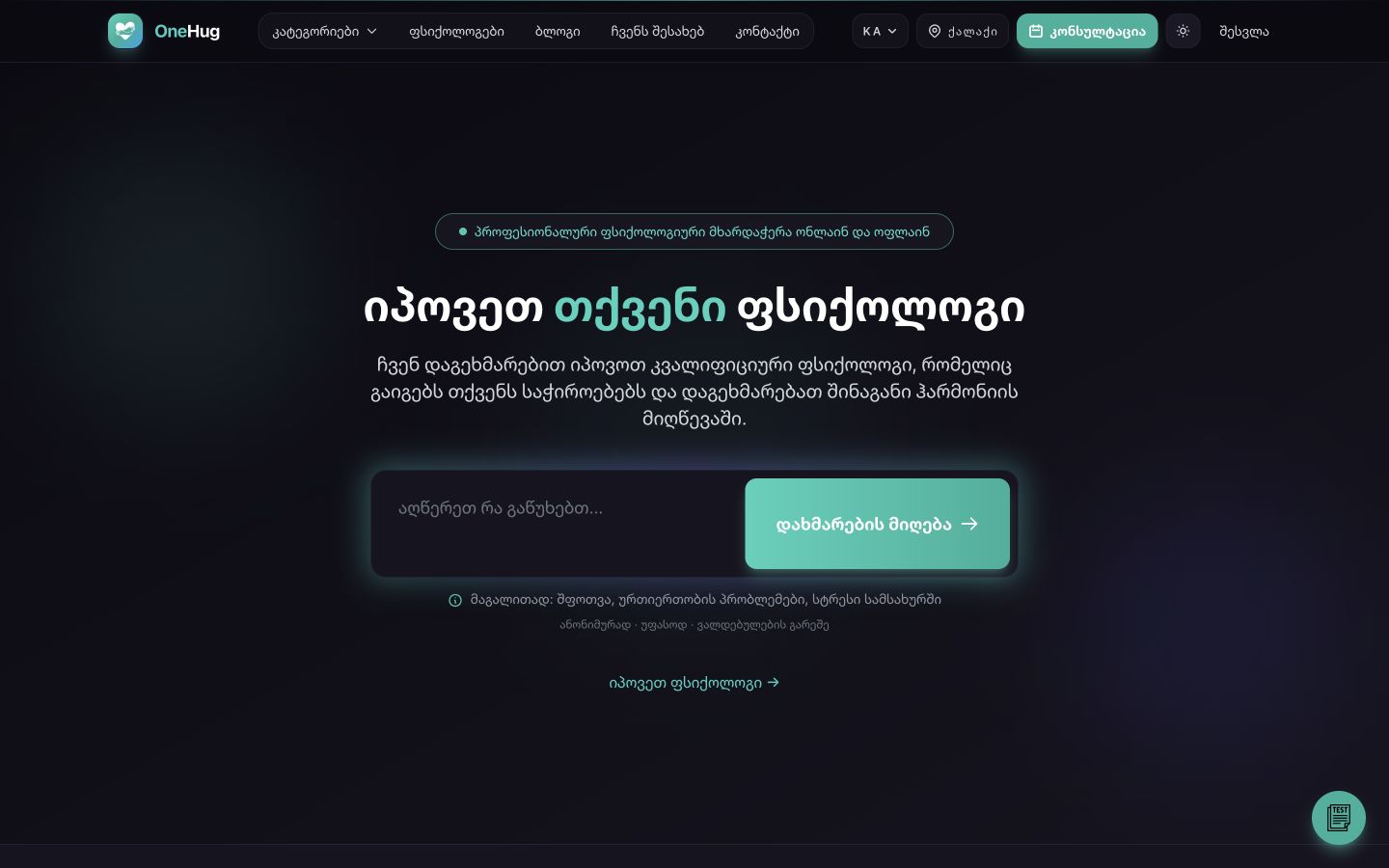
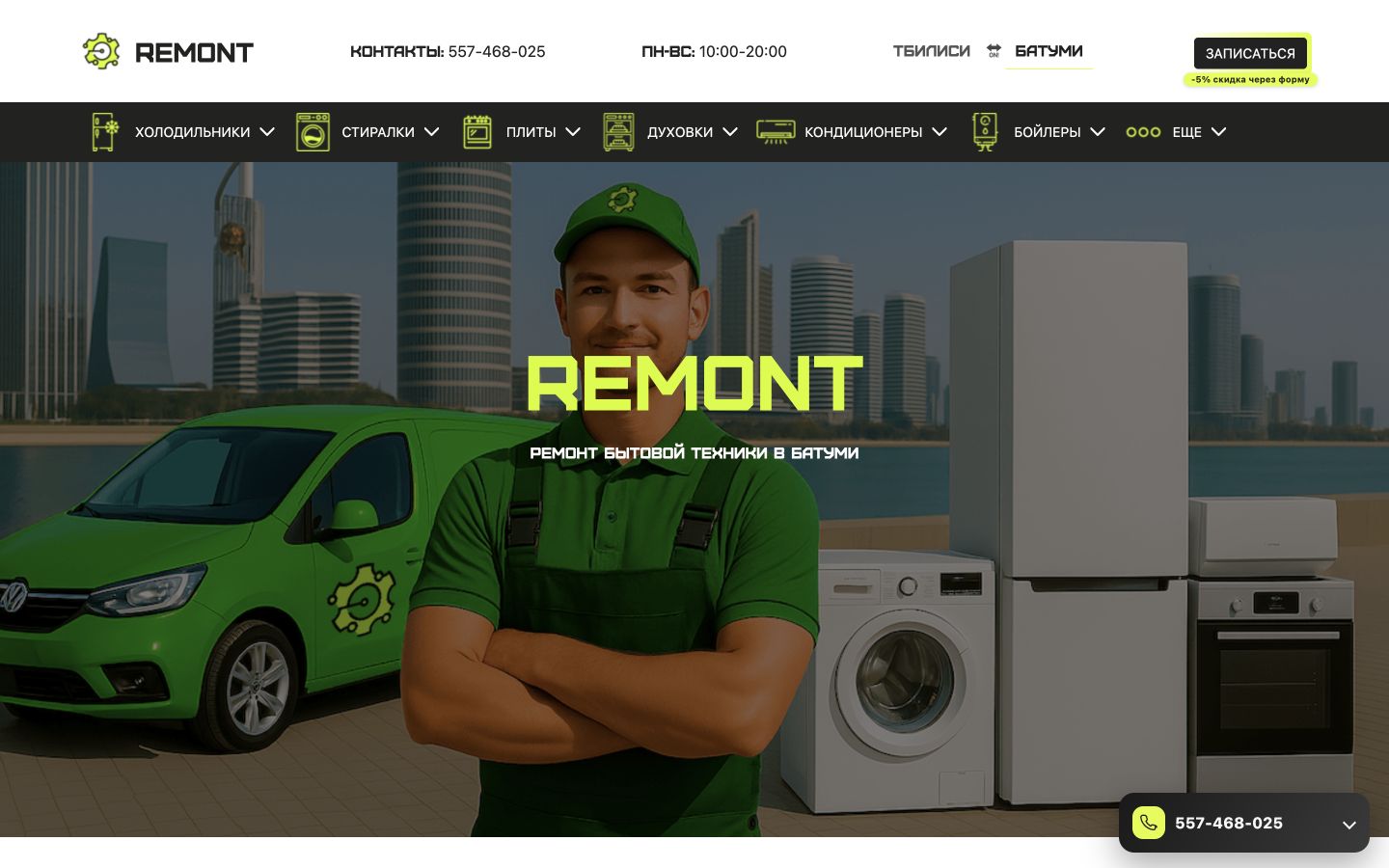
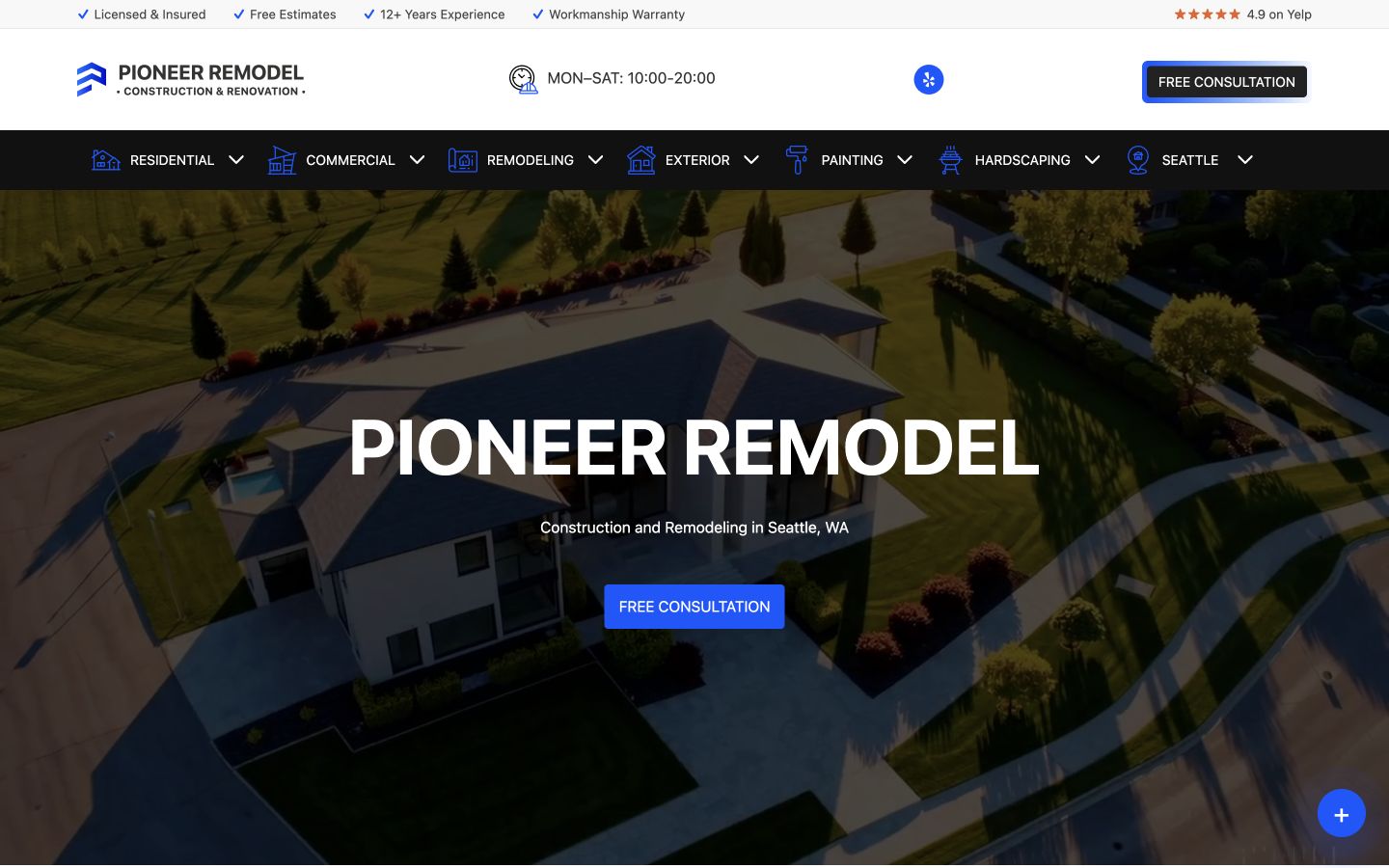
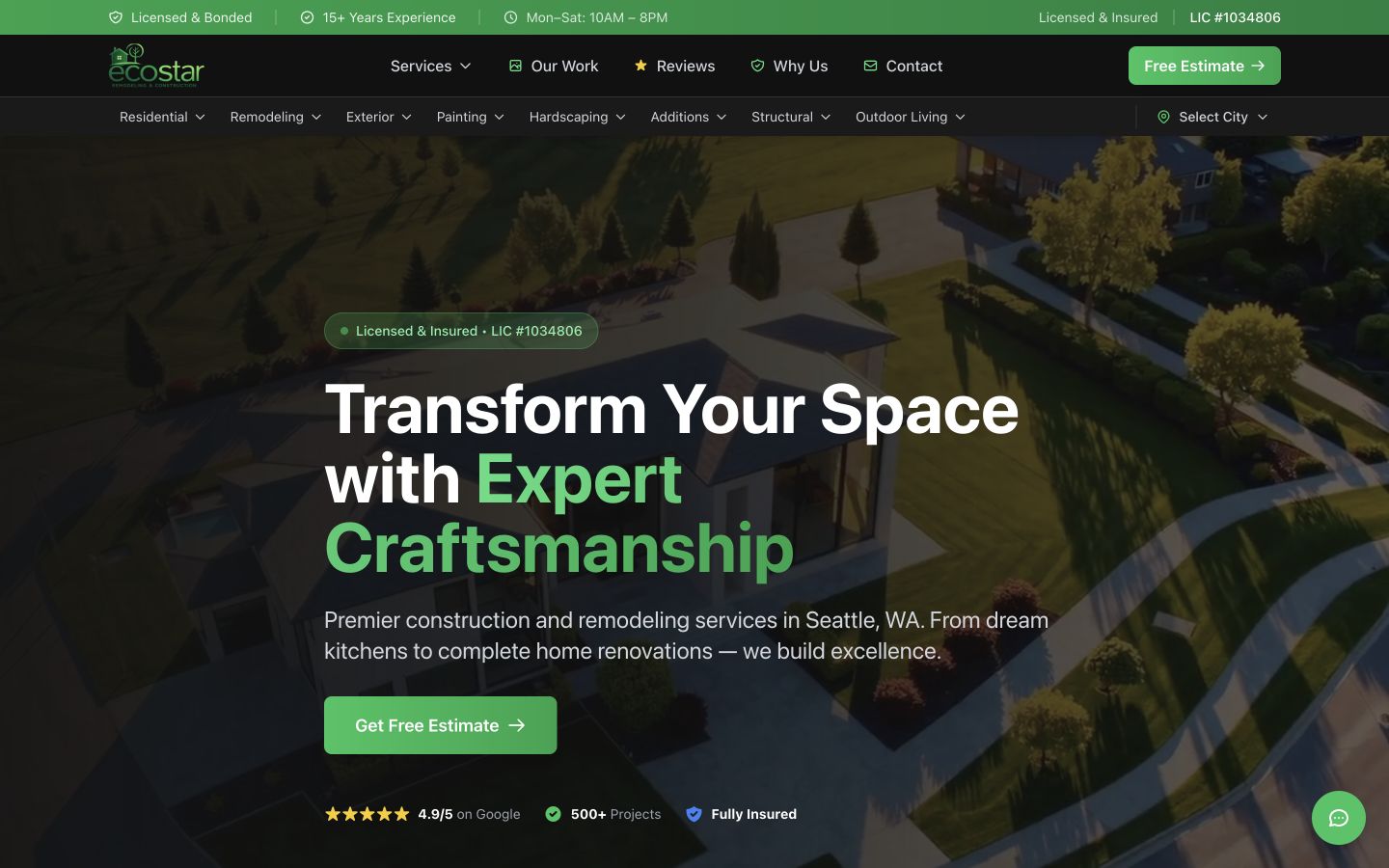
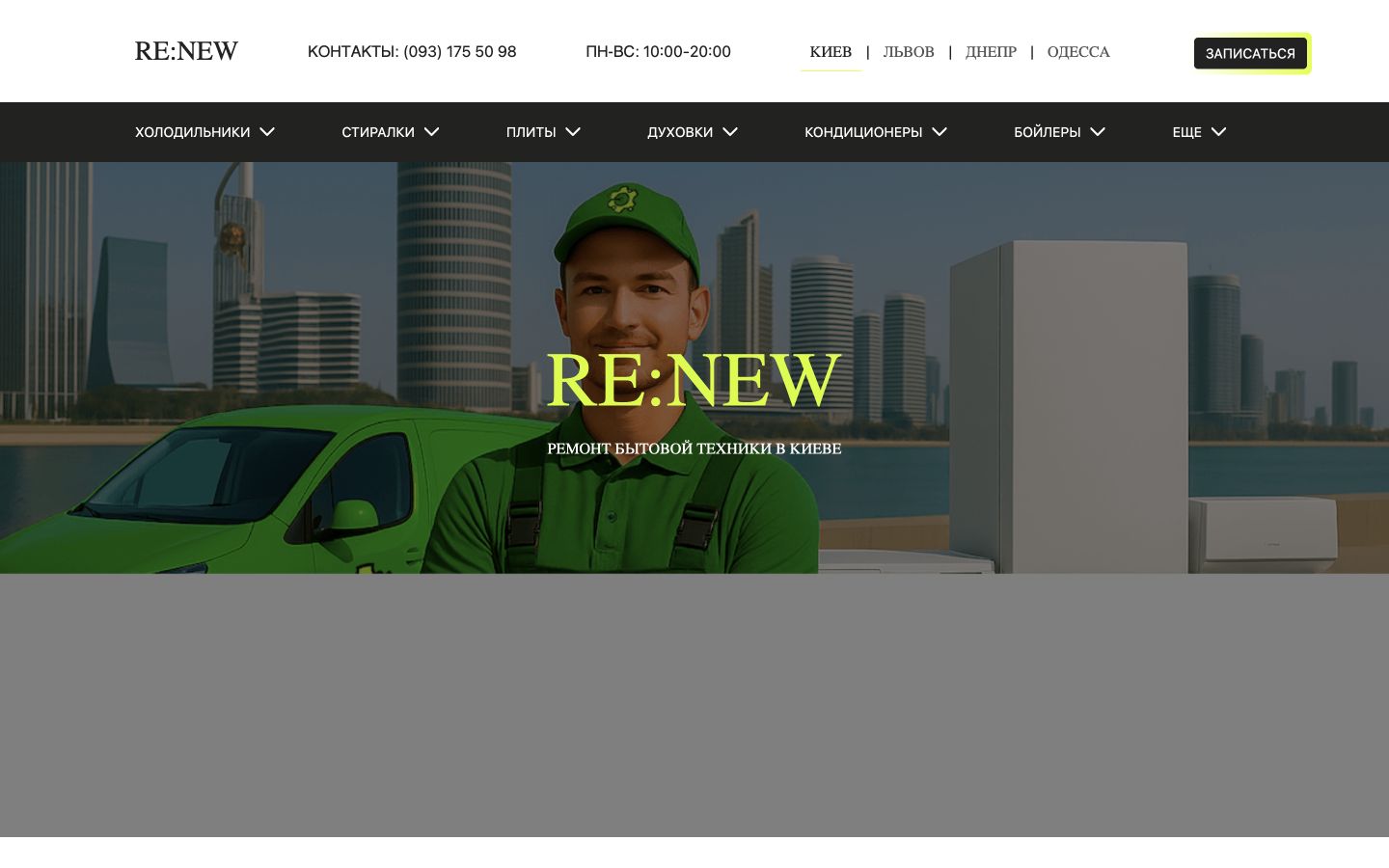
Innovative UI Design

Leading SaaS UI Design Solutions for Businesses in the United States

Our SaaS UI design services in the United States are crafted to provide seamless online experiences. As the digital landscape evolves, businesses need to adapt their web interfaces strategically to capture leads and enhance interactions. Our expertise in web development, combined with focused SEO principles, ensures your software stands out and performs effectively in competitive markets.

Crafting Intuitive User Interfaces

Our SaaS UI Design Process

Delivering exceptional UI design involves understanding user needs, creating visually appealing layouts, and ensuring seamless interaction. Our approach integrates analytics to continually refine and elevate user engagement.

Your User-Centric Design Partner
01 Understand User Needs Conduct extensive research to identify target audience requirements and preferences.
02 Create Visual Concepts Develop design mockups that resonate with user expectations and brand identity.
03 Implement Feedback Iterate designs based on user testing and stakeholder feedback to optimize usability.
04 Launch and Monitor Deploy the final UI and use analytics to track user behavior for continuous improvement.

Page structure

What the build must prove

The category screen should quickly prove the market fit, commercial value, technical scope and next step for the selected region.

01 Intent

Search demand and task

The page ties the category to business goals, local demand and the queries a decision maker will use.

02 Conversion

Lead path

CTA, form, qualification logic and CRM handoff are visible before the project moves to production.

03 Architecture

Product structure

Roles, scenarios, integrations, content blocks and SEO modules are planned as one system.

04 Trust

Proof and analytics

Cases, FAQ, local details and events show why the page can attract and convert qualified traffic.

Use the structure as a checklist before estimating scope, content, integrations and analytics events.

Industries

Focused markets

Target niches where CodeMode can connect positioning, conversion flow, SEO pages and platform logic into one launch-ready system.

Groups
12
Directions
194
01 Group 22 Directions Healthcare and Medical Medical practices, clinics, telemedicine, therapy, diagnostics and care providers. Open group 02 Group 16 Directions Wellness and Personal Care Beauty, wellness, fitness and personal care businesses with booking and local demand. Open group 03 Group 22 Directions Home and Local Services Local service businesses for homes, repairs, maintenance and service-area operations. Open group 04 Group 14 Directions Construction and Trades Construction companies, contractors, trades, architecture, engineering and property maintenance. Open group 05 Group 14 Directions Real Estate and Property Real estate agencies, property management, rentals, developers and property platforms. Open group 06 Group 16 Directions Professional Services Consulting, agencies, accounting, recruitment, IT services and B2B service providers. Open group 07 Group 16 Directions Legal and Finance Law firms, insurance, fintech, financial services, lending and advisory businesses. Open group 08 Group 14 Directions Education and Training Schools, courses, e-learning, tutoring, training and educational institutions. Open group 09 Group 18 Directions Retail and Ecommerce Retail stores, ecommerce brands, wholesale, subscriptions and online commerce businesses. Open group 10 Group 16 Directions Food and Hospitality Restaurants, cafes, food delivery, hotels, resorts and hospitality groups. Open group 11 Group 14 Directions Travel, Events and Entertainment Travel companies, event businesses, venues, entertainment and experience providers. Open group 12 Group 12 Directions Automotive and Transportation Auto services, dealerships, rentals, repair, towing and transport-related businesses. Open group

Technologies

Practical stack

A practical delivery stack for product interfaces, backend logic, integrations, analytics and scalable content architecture.

Tools
31
Groups
7
06 Language

HTML/CSS

CodeMode specializes in HTML and CSS development to create intuitive, responsive interfaces. Our solutions prioritize accessibility and conversion, making it easy to integrate...

Tailwind CSS
Open stack
07 Framework

Yii2/Yii3 Framework

Utilizing Yii2 and Yii3, CodeMode builds powerful web platforms, SaaS solutions, and custom workflows. Our frameworks support essential integrations and maintainable...

Open stack
08 Framework

Laravel Framework

CodeMode leverages Laravel to create high-performance web applications, from SaaS platforms to complex APIs and eCommerce sites. With seamless integrations and a focus on...

Open stack
09 Framework

Symfony Framework

CodeMode utilizes the Symfony framework to develop highly scalable web platforms, SaaS applications, and backend solutions. With its modular architecture and extensive libraries...

Open stack

Next step

Plan a platform around traffic, leads and payments

  • Product version
  • Content structure
  • Integrations
  • Growth pages

CodeMode can shape the first version, content structure, integrations and growth pages before development starts.

Project context

Understanding SaaS UI Design

Software as a Service (SaaS) applications have transformed how businesses operate, requiring user interfaces that are not only functional but engaging and intuitive. A successful SaaS UI design focuses on improving user experience (UX) while aligning with the core functionalities of the application.

A well-designed user interface can significantly impact user retention and satisfaction. By prioritizing usability and aesthetic appeal, a SaaS platform can enhance user interaction, making it crucial for businesses to invest in high-quality UI design.

Key Elements of Effective SaaS UI Design

When crafting a user interface for a SaaS application, consider the following key elements:

  • Consistency: Ensure design elements are uniform throughout the application to foster familiarity.
  • Accessibility: Design with inclusivity in mind, allowing users of all abilities to navigate easily.
  • Responsiveness: The UI should perform seamlessly across various devices and screen sizes.
  • Visual Hierarchy: Utilize size, color, and spacing effectively to guide users toward primary functions.
  • Feedback: Provide users with immediate feedback for their actions to enhance engagement.

Designing for Your Target Audience

Understanding your target audience is paramount in SaaS UI design. Conducting user research can help identify their needs, preferences, and pain points. Here’s how you can approach audience-centric design:

  1. Perform user interviews to gain insights into their expectations and experiences.
  2. Create user personas to represent the different segments of your audience.
  3. Utilize usability testing to observe how real users interact with your design.

This empathy-driven design process ensures that the final UI resonates with users, fostering a sense of ownership and satisfaction.

Integrating Analytics into SaaS UI

Analytics integration plays a crucial role in refining and improving UI design. By analyzing user behavior and interaction patterns, businesses can make data-driven improvements. Key metrics to consider include:

  • User Engagement: Track how often and how long users interact with different UI elements.
  • Conversion Rates: Evaluate the effectiveness of design elements in leading to desired actions.
  • Drop-off Points: Identify where users disengage to address usability issues.

Integrating analytics tools into your SaaS application allows for ongoing optimization based on real user feedback and behavior.

SEO Considerations for SaaS UI Design

Search Engine Optimization (SEO) is vital for SaaS products to be discovered and ranked effectively. Incorporate SEO best practices into the UI design:

  • Keyword Integration: Use relevant keywords naturally within UI elements and help texts.
  • Meta Tags: Optimize title and description meta tags for better visibility in search results.
  • Structured Data: Implement schema markup to help search engines comprehend the content layout.

This comprehensive approach to design not only enhances user experience but also supports visibility and success in search engines.

Next Steps in Your SaaS UI Design Journey

To effectively elevate your SaaS UI design, begin by conducting an analysis of your current interface. From here, consider these actionable next steps:

  1. Redefine your user personas based on recent data to ensure alignment with audience needs.
  2. Utilize wireframing tools to prototype different design ideas quickly.
  3. Engage in iterative testing, collecting feedback to refine the UI continuously.

By following these steps, you will foster a user-centered design process that not only meets functional requirements but also delights users, paving the way for higher retention rates and overall success.

SaaS (Software as a Service) has become a cornerstone of modern business operations, allowing companies to offer flexible and scalable solutions to their clients. The audience for SaaS applications ranges from startups to established corporations across various sectors, necessitating a user interface that is not only appealing but also intuitively navigable. A well-designed UI can significantly enhance customer satisfaction, retention, and conversion rates. Trust signals like testimonials, case studies, and transparent user experiences are crucial in building credibility with potential users, especially in a diverse market like the United States. Our team focuses on creating consistent design standards that reflect the unique values and functionalities of your SaaS offering while employing strategic analytics to refine performance and adapt to user needs effectively.